Friends
The Friends tab lets you keep a list of stations you care about. You can quickly see when each of your friends was last heard, how far away they are, and jump straight into a conversation with them.
Accessing the Friends Tab
On the Main Screen, in the Messages Section, you will find the Friends icon (two people) next to the messages and new message buttons.
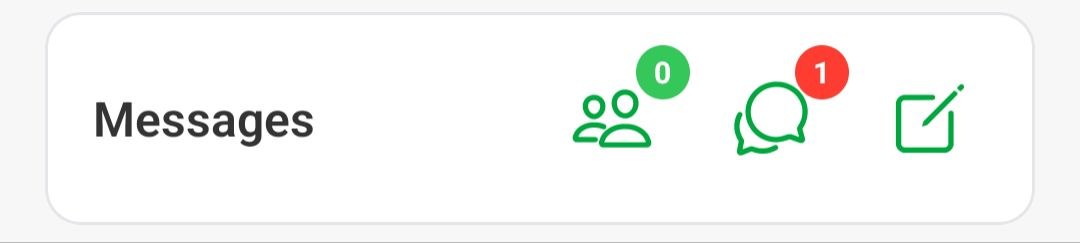
The icon shows a badge with the number of currently active friends (friends that have been heard recently).
Friends Screen
Tapping the Friends icon opens the Friends screen.
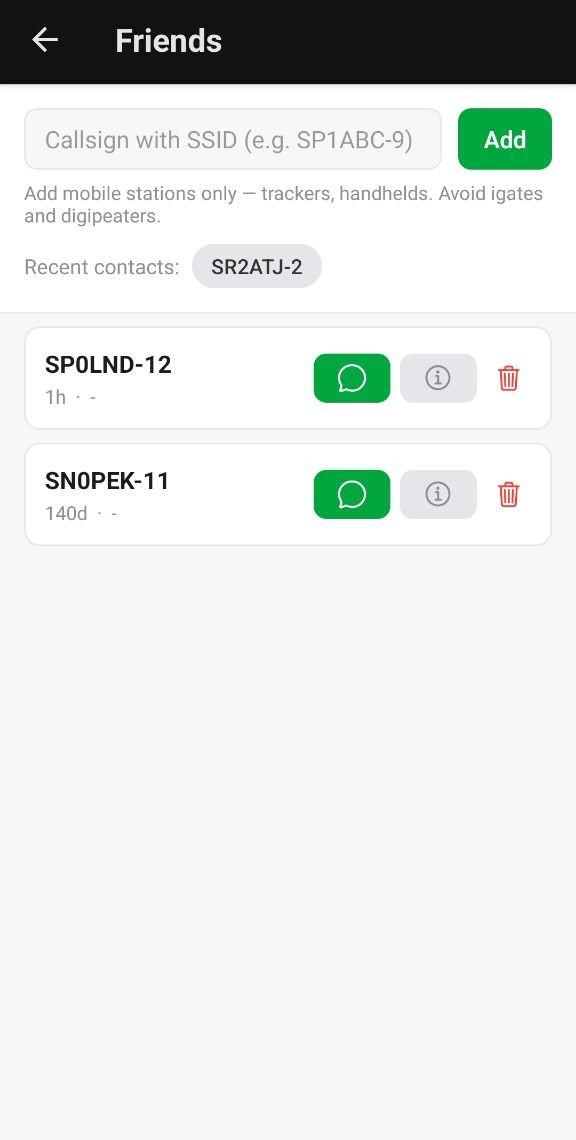
- Add a friend (top): Enter the callsign of your friend, with a specific SSID if needed (e.g.
SP1ABC-9), and press Add. Add mobile stations only — trackers and handhelds. Avoid adding igates and digipeaters. - Recent contacts: A few of the last stations you were in contact with are shown here. Just tap a callsign to add it to your friends list instantly.
- Friends list: Below that you will see the list of your friends.
Friends List
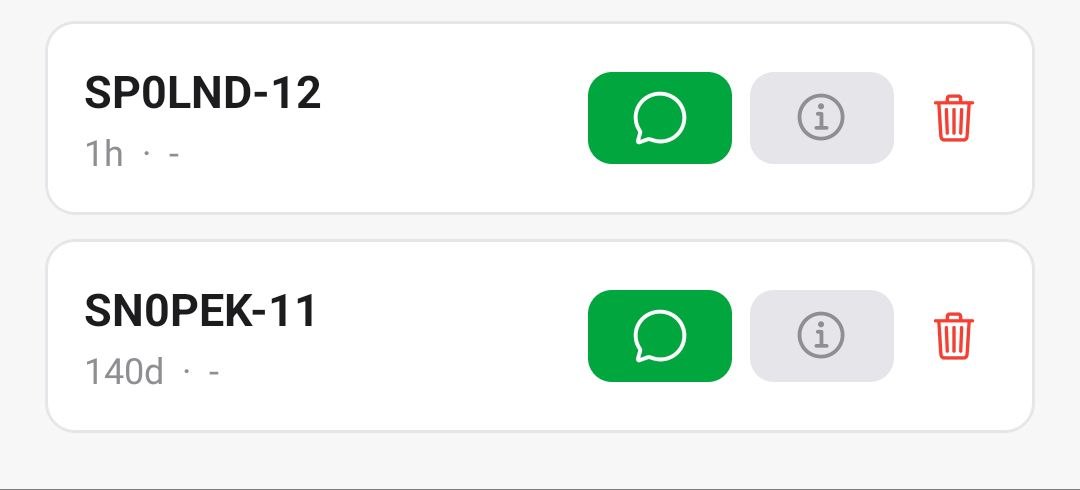
Each entry in the list shows:
- Callsign of the friend.
- Last activity - how long ago the station was last heard.
- Distance - how far away the station currently is.
For each friend you also have:
- Message button (green chat icon): Opens a conversation with that friend.
- Info button (info icon): Opens detailed information about the station.
- Delete button (trash icon): Removes the friend from your list.